Back office
How do we write a process down so someone else can follow it?
By Paul Meakin8 min read
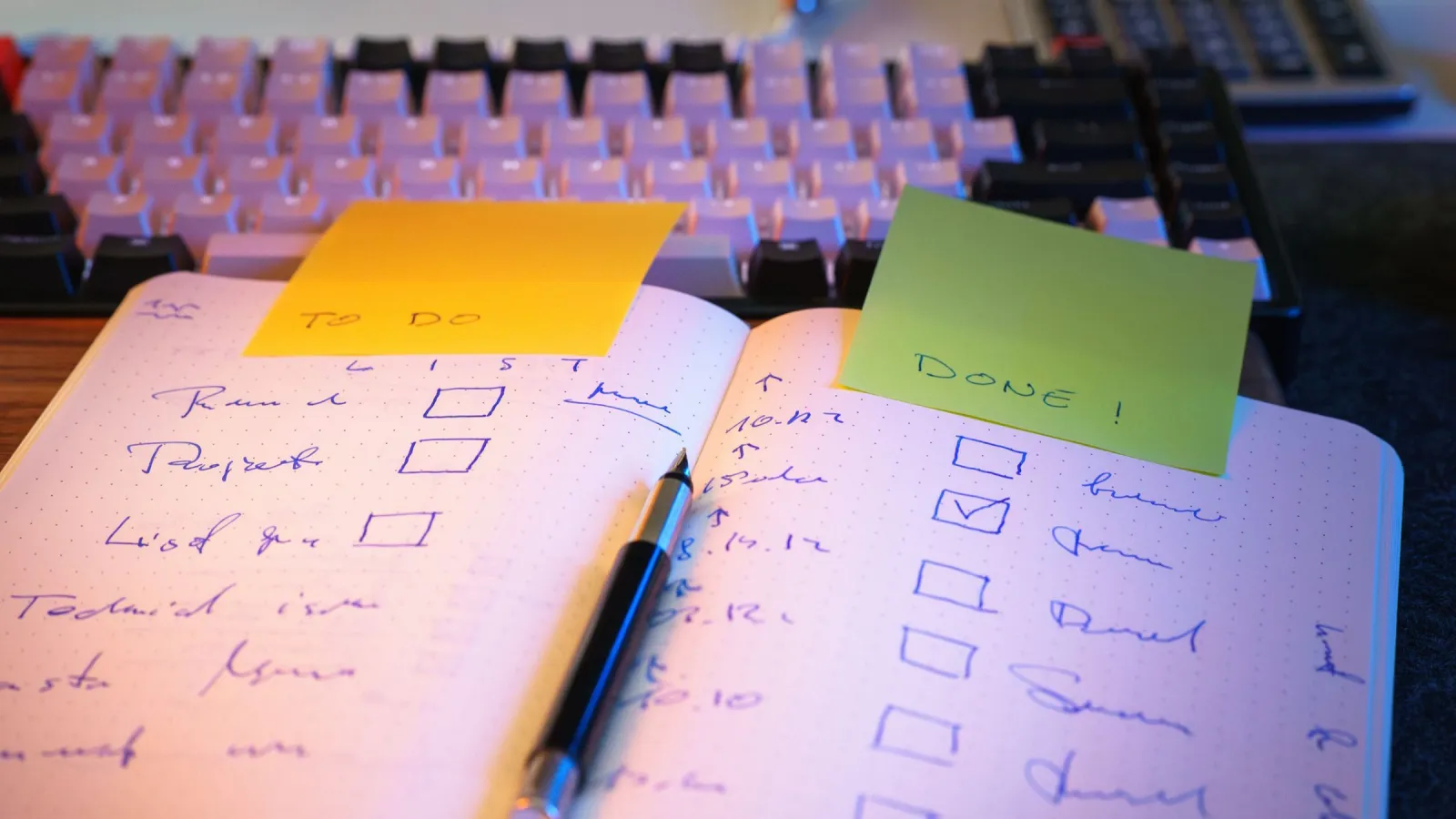
Why does nobody write the process down?
Because it lives in someone's head, and from inside that head it looks obvious. The person who raises the invoices, runs the payroll checks or books the jobs has done it so often that the steps stopped feeling like steps. Asking them to write it down feels like asking them to describe how they tie their shoes.
There is also never a quiet week to do it in. The process gets done every day, so the document about the process never does.
The cost shows up later. Holidays get planned around one person. Questions queue up for the same desk. When that person is off sick, the work either waits or gets done slightly differently by whoever is nearest, and nobody finds out until something comes back wrong. We wrote about the owner version of this in why everything ends up going through you. A missing process document is usually where it starts.
What makes written steps easy to follow?
GOV.UK publishes the writing guidance its own editors follow, and anyone can read it. It writes for a public audience and says the government must communicate in a way that most people understand, so the rules are built for people who skim and want the answer quickly. That describes most people opening a process document on a Monday morning.
GOV.UK's guidance on clear language gives two rules worth copying straight into your own documents. It says paragraphs should have no more than 5 sentences each, and to try to split up sentences that are over 25 words long. It also says to use the active voice, because the active voice is more direct and puts the focus on the user and the action they need to take. "Send the invoice to the client" beats "The invoice is sent to the client", because the second one never says who sends it.
The same guidance is careful with words like must and need. For a legal requirement it says to use must. For a legal requirement that is administrative, part of a process with no criminal consequences, it says to use need. If something is optional, you can use can. A process document that says "should" everywhere leaves the reader guessing which steps actually matter.
The companion page on structure explains why layout matters as much as wording. It says most people will only read 20 to 28% of text on a webpage, and that they skim. So it says to put the most important information first. In a process, that means the trigger and the outcome go at the top: what starts this job, and what done looks like. The detail comes after.
There is one GOV.UK rule this post breaks on purpose. Its structure guidance says headings should not be questions, and should be active, ideally starting with a verb. Our headings are questions because a blog answers questions. In a process document, follow GOV.UK. "Check the purchase order" is a better heading than "Purchase orders".
What should a written process actually contain?
Less than people think. A good process document is not a policy, a history or a training course. It is the shortest set of instructions that lets a competent person who has never done this job get it right.
| Part | What goes in it | Why it matters |
|---|---|---|
| Trigger | What starts the job, such as an email, a date or a form | The reader knows when to begin without being told |
| Outcome | What finished looks like, and where it gets recorded | The reader knows when to stop |
| Steps | Numbered actions, each starting with a verb | One action per line is easy to follow and easy to check |
| Exceptions | The usual ways it goes wrong and what to do | This is the part that lives in the expert's head |
| Owner | Who keeps the document current | Without an owner it goes out of date quietly |
| Access | Which systems, folders and logins the job needs | Saves the first hour of every handover |
The exceptions row is the valuable one. Anyone can write "enter the order". The expert knows that orders from one particular customer arrive without a purchase number, and that you ring rather than email. That is the knowledge the business actually loses when someone leaves.
Where do people get this wrong?
The first mistake is writing it from memory at a desk. People describe the process they think they follow, not the one they actually follow. Sit next to the person doing the job and write down what they do, including the workarounds they would never mention because they no longer notice them.
The second is writing the ideal version. If the real process has a step where someone checks a spreadsheet nobody officially uses, write that step down. You can fix the process afterwards. A document that describes a process nobody follows is worse than no document, because it looks like control.
The third is the wall of text. Long paragraphs of explanation with the actual steps buried in the middle. GOV.UK's numbers on how little people read apply to your team too.
The fourth is saving it in the expert's own Drive. If the document sits in a personal folder, it leaves with them. Google's guide to shared drives says shared drive files belong to the team instead of an individual. It also says that when someone leaves and an admin deletes their account, files they added or created in shared drives remain. That is where process documents belong.
The fifth is writing it once and never touching it again. Processes change. The document that described last year's system is now quietly wrong.
How do you test it?
Give it to someone who has never done the job, and watch them do it from the document alone. Do not help. Every time they stop, hesitate or ask a question, that is a gap in the document, not a gap in them.
Fix the gap, then try again with someone else. Two clean runs by people who did not write it is a decent sign the document works. If nobody new is available, the next best test is the expert following their own document word for word, which is harder than it sounds and often turns up a missing step.
How do you keep it current?
Give every document a named owner, and make updating it part of changing the process. If the process changes and the document does not, the change is not finished.
Version history does a lot of the work for you if the document lives in Google Docs. Google's help page on file changes explains that you can see who updated a file and their changes, and restore an earlier version. You can also create a named version so your versions are not merged, and it says you can add up to 40 named versions per document. Naming a version each time the process changes gives you a simple record of what the instructions said and when.
One catch from the same page: to browse earlier versions of a file, you need permission to edit that file. Decide who that is before you need to look back.
Once a process is written down clearly, you can also see which steps a machine could run. A numbered list of steps with no judgement in them is close to a specification. That is often where our process automation work starts, and if you have automations already, what happens when the person who built them leaves is worth a read too.
When is this not the answer?
When the job is mostly judgement. You can document how to gather the information for a pricing decision or a difficult complaint. You cannot write down the judgement itself, and pretending you can produces a document people ignore.
When the process is about to change. Writing up a system you are replacing next quarter is wasted effort. Write the new one instead.
Some jobs should not exist at all. Sometimes writing the steps down shows that the task produces something nobody uses. Then the right move is to stop doing it.
When the process carries legal or regulatory weight, such as anti money laundering checks or health and safety procedures. A plain document still helps, but what it must contain is set by the rules that apply to you, and that needs the regulator's own guidance or a qualified adviser, not a blog post.
Where do you start?
Pick the job that causes the most trouble when one person is away. Sit with them while they do it once, write down every action, and hand the draft to someone else to try.
If you have tried that and the process is too tangled to write down, that is useful information in itself. Tell us what's stuck and we'll map the quickest fix, starting with how the work runs now rather than how it is supposed to. Our business solutions work starts exactly there. Time to talk yet?
Common questions
How long should a process document be?
As short as it can be while a newcomer can still get the job right from it. GOV.UK's guidance says there is no maximum or minimum page length, and that a single paragraph full of jargon is still too long.
Should we use video instead of writing?
A screen recording is a good way to capture the job while the expert does it, and a useful extra for training. Keep the written steps as the main version, because they are quicker to skim, search and update when one step changes.
Who should write the document, the expert or someone else?
Usually someone else, watching the expert work. The expert is too close to it and skips the steps they no longer notice. The expert then checks the draft for accuracy.
Can AI write our process documents for us?
It can tidy rough notes into clear steps, but it cannot know what happens on your desk. The facts still have to come from watching the job being done, and a person has to check the result.
Sources
Paul Meakin, Founder
Twenty years of fixing businesses from the inside, eighteen of them in recruitment from consultant to national operations, before building the automation, web applications and compliance systems Staxxd runs today.
More about Paul